
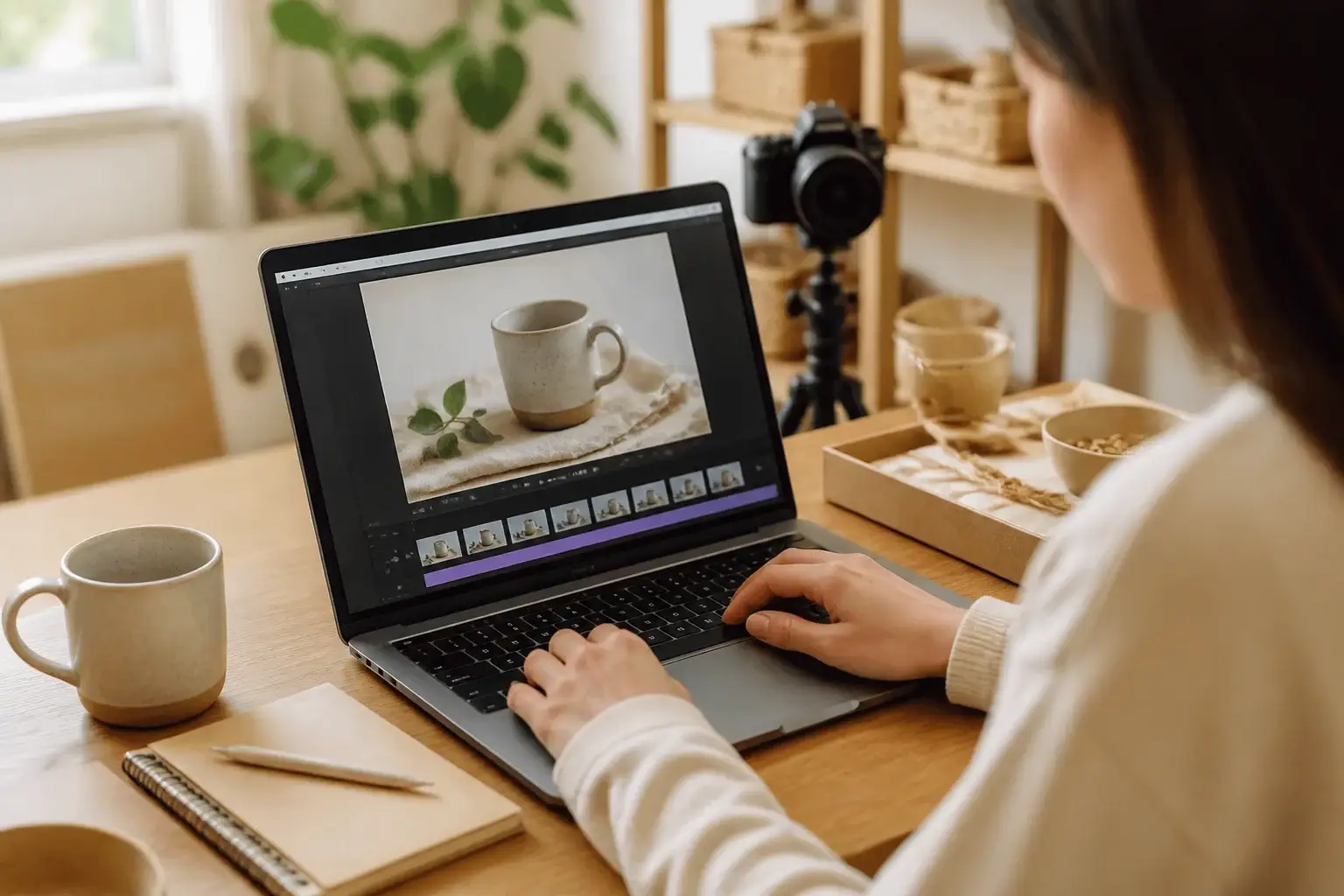
Etsy listing videos can show your product in a way that still images cannot. A short, carefully designed cover frame gives shoppers immediate context before they press play, while the moving footage demonstrates scale, texture, use, or construction. Canva makes the process accessible, but an effective result depends on more than placing text over a product photo. You need a clear format, a readable opening frame, restrained animation, and an export that Etsy accepts.
This guide explains how to create an Etsy listing video cover in Canva, how to choose suitable visuals, how to design for mobile viewing, and how to avoid common mistakes. Because Etsy may update technical requirements, check its current seller guidance before exporting. Use Canva for the visual work, then preview the finished video on a phone and inside your listing before publishing.
Understand the role of a listing video cover
A listing video is normally a brief product demonstration without sound. Its opening moment acts as a cover because shoppers often see the first frame before the video begins. That frame should identify the product quickly, not compete with it. Think of the cover as a storefront window: it should make the item understandable and encourage closer attention without promising something the video does not show.
The cover is not the same as an Etsy listing image. A listing image can communicate several details through a polished still composition. A video cover must also lead naturally into motion. If the first frame contains a dense collage, a long paragraph, or decorative elements that disappear immediately, viewers may feel that the video is confusing.
Use one primary message. For example, a handmade ceramic mug might open with a clean product view and the short phrase “Hand-thrown stoneware.” A digital planner could begin with a screen recording and the phrase “See every page.” The wording should clarify the item or its useful feature, rather than repeat a vague sales claim.
Plan the video before opening Canva
Planning prevents a common problem: designing a beautiful cover that does not match the footage. Decide what the video will demonstrate, where the product will appear, and what the viewer should notice first. A simple plan might include an opening product view, a close-up detail, a use demonstration, and a final angle.
Keep the visual story focused. If the product is clothing, show its shape, fabric, and fit-related details without implying a model’s exact result for every buyer. If it is jewelry, show scale and a close-up of the finish. If it is a printable, show the pages or interface clearly. Your cover should introduce this sequence rather than suggest a different one.
Prepare the source material first. Gather product photographs, short video clips, a logo if needed, and any brand colors or fonts. Use sharp, well-lit files. Avoid enlarging a small image until it becomes blurry, because Canva can arrange a low-quality asset but cannot restore missing detail.
Choose a useful opening frame
Select an opening frame where the product is visible against a calm background. Leave enough empty space for limited text, but do not cover the item’s most important feature. If the footage begins with a hand entering the frame, a blank table, or an accidental camera movement, create a separate opening scene in Canva and place it before the demonstration.
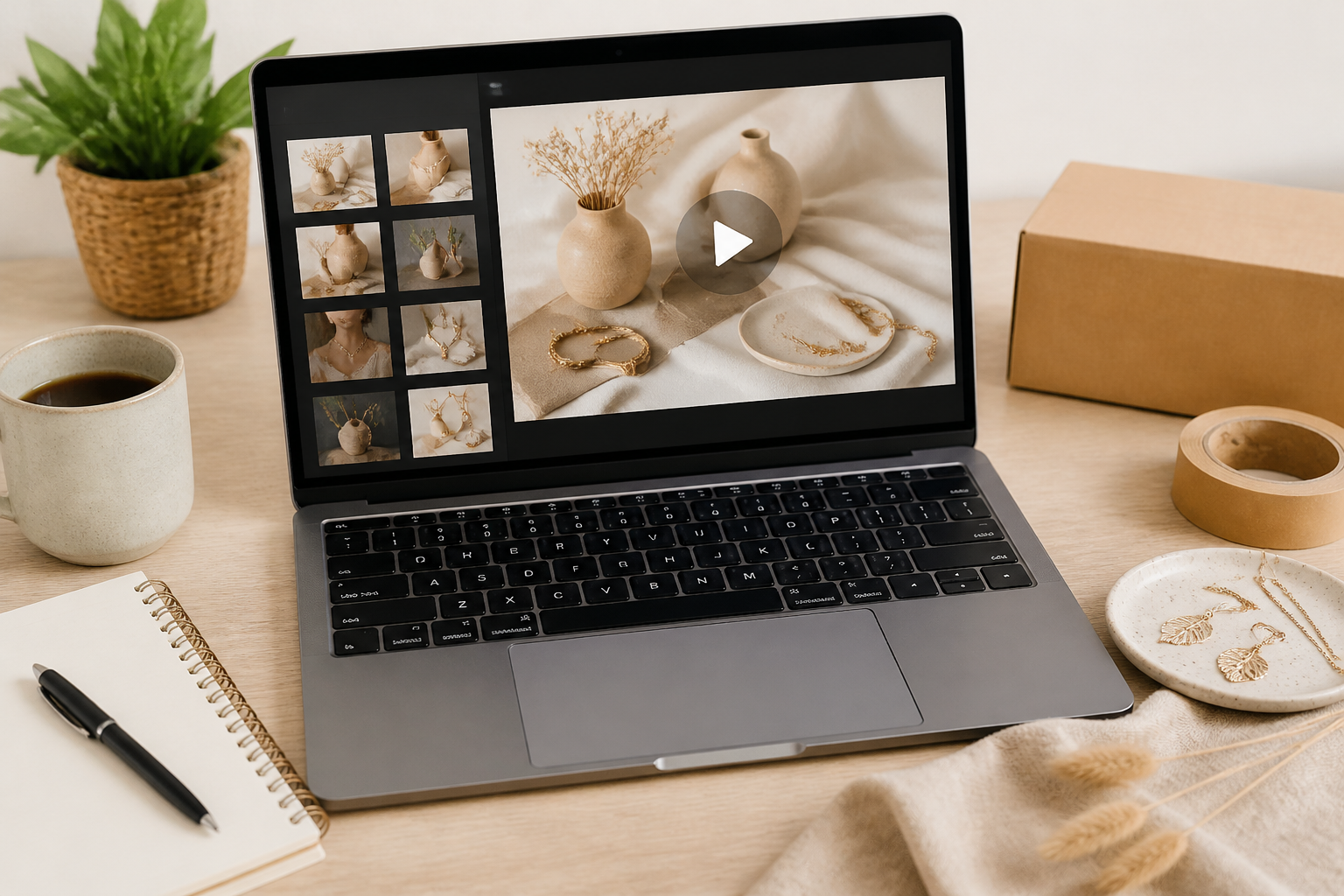
Consider how the first frame will look as a still image. Pause the video at the beginning and ask whether someone unfamiliar with the listing could identify the product in a second or two. If not, simplify the composition, improve contrast, or choose a clearer frame.
Start the design in Canva
Open Canva and create a design using dimensions that match Etsy’s current video guidance. Canva offers templates and preset formats, but a template is only a starting point. Etsy’s display area, your product category, and the orientation of your footage should guide the choice. Do not assume that a square social-media template is automatically suitable for a listing video.
If your source video is vertical, a vertical canvas usually uses more of the available frame than forcing it into a wide layout. If the product was filmed horizontally, keep the composition horizontal unless cropping would remove important information. The safest choice is the format that shows the complete item at a useful size.
Create a page for the opening cover and additional pages or scenes for the moving sequence. In Canva, each page can represent a short segment. Set durations deliberately rather than relying on default timing. A cover that remains visible long enough to read feels intentional; one that changes instantly feels accidental.
Name the design clearly, especially if you manage multiple listings. Include the product name and a version label in the filename. This small habit reduces the chance of uploading an outdated draft or confusing one listing’s video with another.
Build a visual hierarchy
Place the product first, supporting text second, and decoration last. A shopper should see the item before reading your message. Use size, contrast, position, and spacing to create this order.
Choose one main font and, at most, one supporting font. Sans-serif fonts often remain readable at small sizes, while a decorative typeface can work for a short accent. Test the design at the size it will occupy on a phone. Text that looks comfortable on a large desktop canvas may become unreadable inside Etsy’s listing interface.
Use a contrast check. Dark lettering on a dark photograph disappears, as does white lettering over a bright background. Add a subtle translucent shape behind the text, move the copy into empty space, or select a calmer image. Avoid heavy shadows and outlines that make the design look crowded.
Add product-focused text
Text can strengthen a cover when it answers a practical question. Useful phrases identify the item, explain a distinctive feature, or invite the viewer to see a process. Examples include “Personalized linen journal,” “Watch the clasp close,” and “Explore the printable pages.” Keep the statement accurate and specific to the footage.
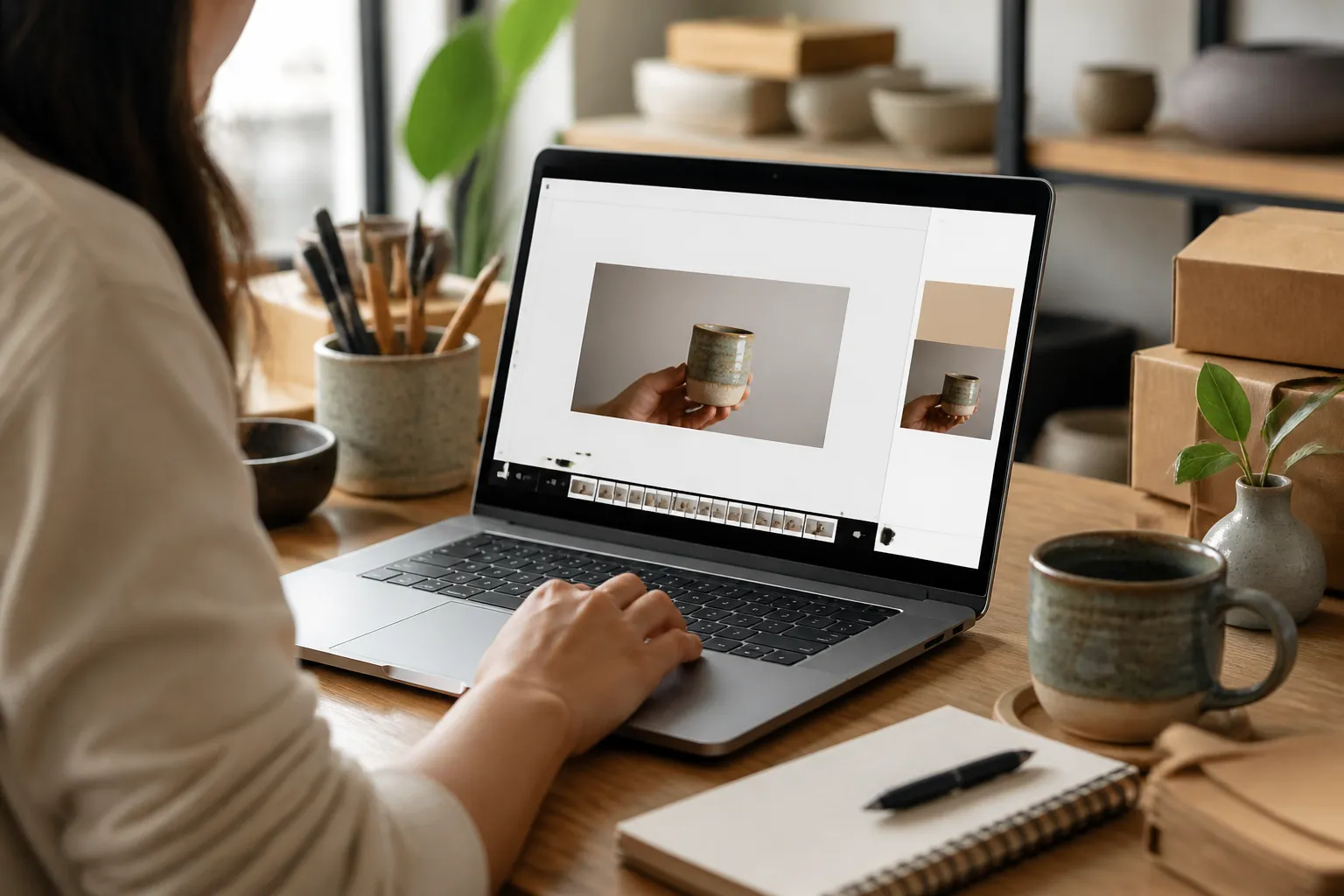
Do not treat the cover as a place for every selling point. Materials, dimensions, care instructions, processing times, and variations belong in the listing details where shoppers can read them at their own pace. Trying to include all of them produces small, weak text and distracts from the demonstration.
Avoid unsupported guarantees. Words such as “perfect,” “best,” or “guaranteed” may sound persuasive but provide little information and can create expectations the item cannot meet. A descriptive phrase is usually stronger because it tells shoppers what they will see.
Position text away from edges and important product details. Etsy’s display can vary across devices, so leave a comfortable margin. Keep the message in one area throughout the opening scene unless movement is necessary. Consistent placement helps viewers understand the design quickly.
Match branding without losing clarity
Brand consistency can make listings feel related, but the product remains the priority. Use a familiar color or font as an accent rather than covering the entire frame with branding. A small logo may be appropriate, though it should not compete with the item.
If your shop sells several categories, establish a flexible system. You might use the same text placement and font while changing the background color for each collection. This creates recognition without making every listing look identical. Save the Canva design as a reusable template, then duplicate it before editing a new product.
A reusable template should contain placeholders that are easy to replace. Label pages or elements in a way that makes their purpose obvious. Before exporting, remove sample wording, unused pages, and hidden elements. A careful final review prevents template content from appearing in a published listing.
Turn the cover into a short video
A cover becomes more useful when it leads directly into a clear demonstration. After the opening frame, show the product doing something relevant. Rotate an object, open a closure, turn pages, reveal texture, or show packaging only when that action helps a buyer evaluate the item.
Keep transitions simple. A cut, gentle fade, or modest slide can connect scenes without stealing attention. Fast spins, flashing effects, and excessive zooms may make a handmade item appear less refined. Animation should explain a change in view, not exist merely because Canva offers the effect.
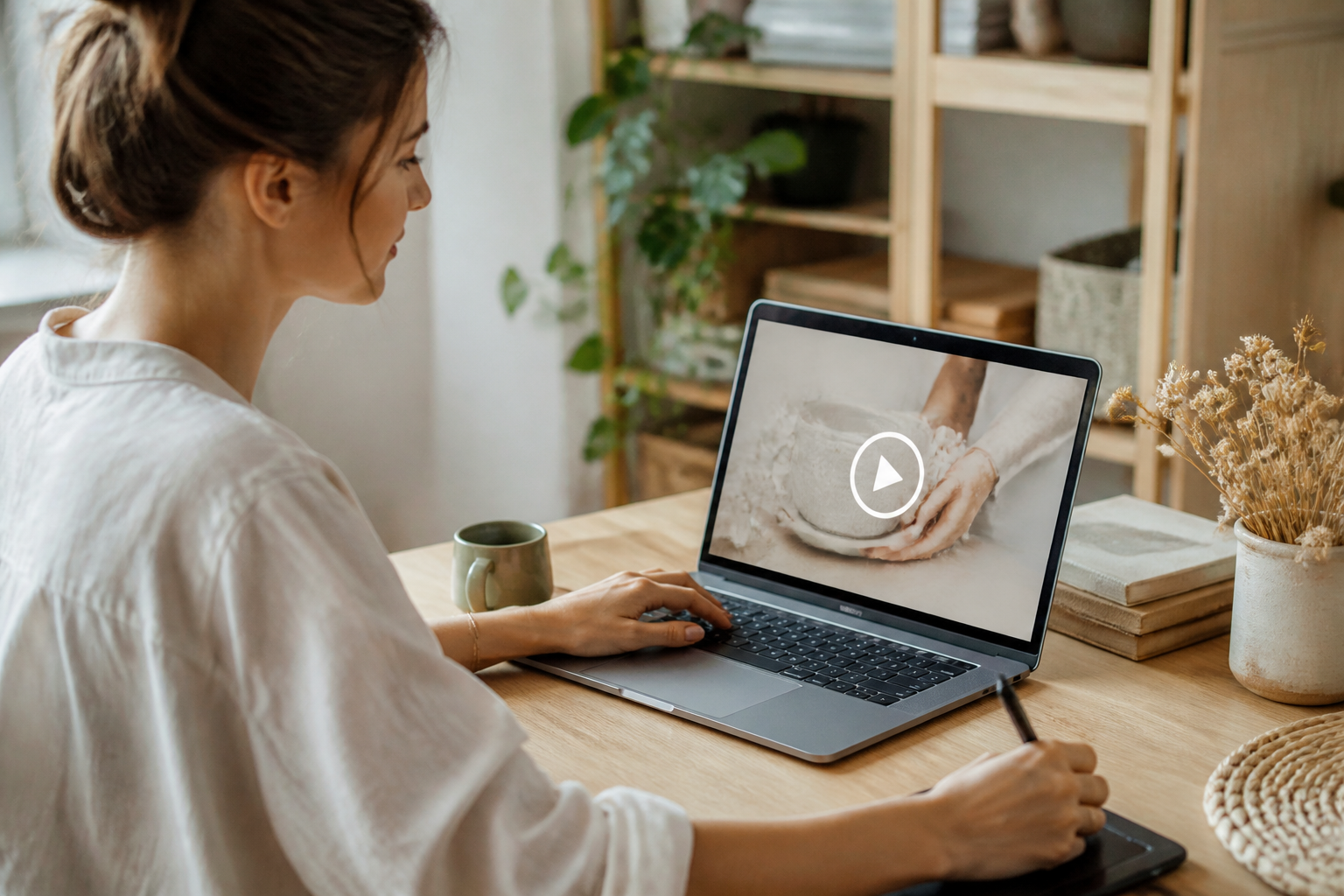
Use motion to reveal information in an order that makes sense. Start with the complete product, move to a detail, and finish with a useful angle or use case. For a custom item, show the blank or base product before showing the personalization if that sequence makes the process easier to understand.
Review every scene without sound. Listing videos are often watched silently, and sound should not carry essential information. If a spoken explanation matters, convert the key idea into a brief visual label or make the product action self-explanatory.
Control timing and readability
Give each text element enough time to be read comfortably. A phrase should not appear and disappear while the viewer is still identifying the product. Read it aloud at a normal pace, then allow a little extra time for visual recognition.
Avoid placing multiple animated messages on top of one another. If the opening includes a headline, wait until it has served its purpose before introducing a second label. The product should remain visible through the changes.
Check the video from the beginning several times. Watch once for clarity, once for distracting motion, and once for technical issues such as clipped text, sudden cropping, or a blank frame. Different problems become easier to notice when you review with one purpose at a time.
Use Canva’s editing tools carefully
Canva allows you to crop, position, resize, animate, and adjust media. Use crop controls to remove empty areas while keeping the product’s shape intact. Do not crop away handles, closures, edges, or other details that shoppers need to judge the item.
Adjust brightness and contrast modestly. A small correction can improve clarity, but aggressive filters may change the apparent color of the product. Accurate color matters especially for clothing, paint, yarn, gemstones, and other items bought partly for their shade.
Use background removal only when the result is clean and suitable for the product. Fine hair, fringe, transparent materials, and irregular edges can produce visible errors. If the cutout looks artificial, a straightforward original photograph may be more trustworthy.
Align repeated elements with Canva’s guides and spacing tools. Consistent margins make a video feel organized. If you use a colored block behind text, keep its size and position stable unless a deliberate movement communicates something useful.

Design for mobile shoppers
Many shoppers encounter Etsy on small screens. Test your cover at reduced size, not only at full Canva zoom. If the product becomes a tiny shape or the text becomes a blur, revise the design before exporting.
Use strong visual separation between foreground and background. A plain surface often works better than a busy lifestyle scene when the goal is identification. Lifestyle footage can follow the cover and demonstrate scale or use, but the opening frame should remain immediately understandable.
Do not depend on thin lines, tiny icons, or subtle color differences. Mobile displays, lighting conditions, and accessibility settings vary. Clear shapes and readable type survive those differences better.
Export and upload the finished video
When the design is complete, use Canva’s download option for video and select a format accepted by Etsy’s current requirements. Review the export settings rather than assuming the default is appropriate. File type, dimensions, duration, and file size can affect whether an upload succeeds.
Export a test version first if you are uncertain. Open the downloaded file outside Canva and watch it from beginning to end. Confirm that the opening frame is the intended cover, the product colors look reasonable, the text is sharp, and no Canva-only element is missing.
Name the exported file with the product and version. Then open the relevant Etsy listing and upload the video through the listing editor. Etsy may process the file before displaying it, so allow time for the preview to appear. Do not delete the original Canva design or source files after uploading; they make later corrections much easier.
Check the published or previewed listing on both a phone and a larger screen when possible. Look for cropping, unreadable text, unexpected blank space, or a cover that differs from the Canva preview. The listing itself is the final checkpoint because platform presentation can change the appearance.
| Area | What to check | Adjustment |
|---|---|---|
| Opening frame | The product is recognizable immediately. | Choose a clearer frame or reduce decoration. |
| Text | The message is brief and readable on a phone. | Increase size, contrast, or spacing. |
| Motion | Every movement demonstrates or reveals something. | Remove distracting animations. |
| Export | The file follows Etsy’s current video guidance. | Review settings and test the download. |
Common mistakes and practical fixes
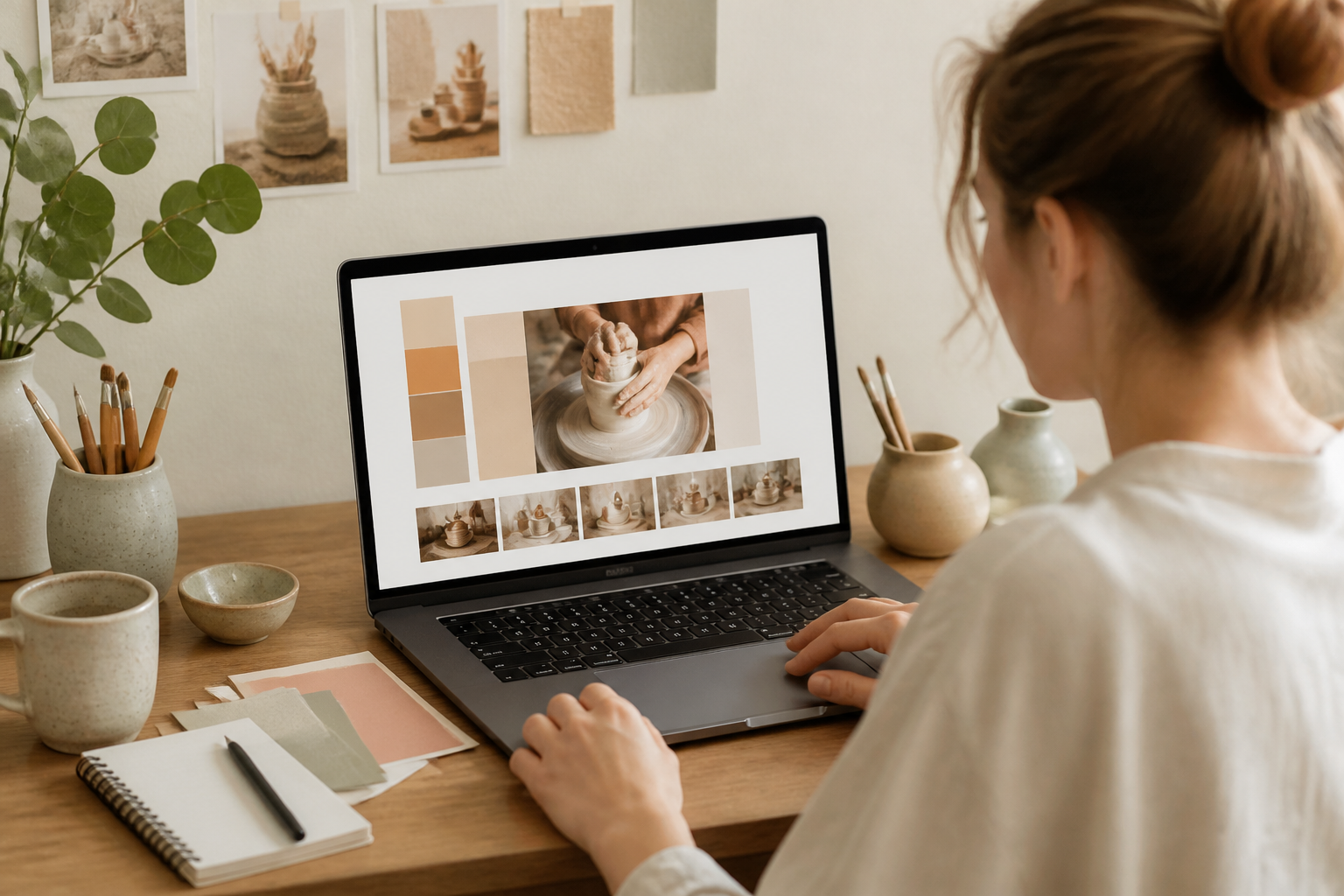
One frequent mistake is designing the cover as a poster rather than an introduction. A poster can hold several claims, decorative borders, and multiple photographs. A video cover needs breathing room and a natural path into motion. Remove anything that does not help viewers identify or understand the product.
Another mistake is using a generic stock background that changes the product’s apparent context. A background can suggest scale, but it should not imply an included accessory, a particular room, or a use that the buyer will not receive. Keep representation honest.
Some sellers place the logo at the center because it feels prominent. That position often hides the product. Move branding to a corner, reduce its size, or omit it when the item already communicates the shop’s identity through its style.
A cover can also fail because it begins with a title card and delays the product. Shoppers should not have to wait through an elaborate introduction. Show the item immediately, then add a short phrase if it genuinely improves understanding.
Watch for inconsistent color between the cover and the listing photographs. A dramatic filter may make one image attractive while making the overall listing feel unreliable. Use the same general lighting and color approach across your media.
Accessibility and trust considerations
Readable design helps more shoppers, including people with limited vision or color perception. Use sufficient contrast, avoid conveying meaning through color alone, and keep important information in text or visible action. Since video sound may be absent, never place essential instructions only in audio.
Represent personalization accurately. If the video shows one name, finish, or variation, make clear through the listing that other options may differ. Do not present a sample as though it were the exact item every buyer will receive.
Avoid urgency claims, false scarcity, and exaggerated results. A persuasive cover earns attention by showing evidence: the product’s construction, movement, finish, or practical use. This approach supports informed decisions and reduces disappointment.
FAQ
Can I create an Etsy listing video entirely in Canva?
Yes, Canva can assemble photographs, video clips, text, transitions, and animation into one exported file. However, you still need suitable source material and must follow Etsy’s current upload rules. Canva does not automatically guarantee that a design meets every marketplace requirement. Check the downloaded file and test it in the listing editor before publishing.
Should the cover be a separate image?
Usually, the opening frame of the video can serve as the cover. Creating a deliberate first scene is often better than allowing an accidental frame from the original recording to appear. A separate listing image can support the video, but it does not replace the need for a clear opening moment.
What should I write on the cover?
Use a short, accurate phrase that identifies the product or points to the feature demonstrated in the video. “Hand-painted ceramic tile” gives useful context, while “Amazing quality” says little. If the product is already obvious, you may need no text at all. A clean product view is preferable to crowded wording.
How much animation should I use?
Use enough motion to reveal the product or connect useful scenes. Simple fades, cuts, and gentle movement usually support clarity. If an effect draws more attention than the item, remove it. Review the video with the sound off and ask whether every transition improves understanding.
Can I reuse one Canva template for many listings?
Yes, duplicating a template can save time and create visual consistency. Replace every product photograph, phrase, color adjustment, and sample detail before exporting. Check hidden pages and unused elements as well. A template is a workflow aid, not permission to make every listing identical when products require different demonstrations.
Why does my text look clear in Canva but blurry after upload?
The exported file may be viewed at a different size, or the original text may be too small for compression and mobile display. Increase type size, simplify the message, and inspect the downloaded video before uploading. Also check whether the file was exported at a suitable quality and whether Etsy’s preview is still processing.
Should I include music?
Do not depend on music to communicate the product’s value. Many viewers watch with sound muted, and music can distract from a quiet, tactile demonstration. If you include audio, use material you are permitted to use and ensure the visual story remains complete without it.
Can I show a person using the product?
You can show use when it helps communicate scale, function, or handling, provided the presentation is accurate. Keep attention on the listed item and avoid implying that clothing fits every body identically or that an accessory is included when it is not. Explain relevant variations in the listing description.
Conclusion
A strong Etsy listing video cover is clear before it is decorative. Start with a recognizable product view, add only text that improves understanding, and let motion demonstrate a real feature or use. Canva supplies flexible tools, but careful planning, mobile testing, honest presentation, and a final Etsy preview determine whether the result helps shoppers.
Create the opening frame first, build the supporting scenes around it, and revise anything that competes with the product. Then export a test file, check it on different screens, and update the design when the listing preview reveals a problem. This repeatable process produces covers that look polished while giving buyers useful information quickly.