

A printable wedding budget planner can be a strong Etsy product idea because it solves a specific, stressful problem: couples need to organize spending before deposits, contracts, and small purchases quietly consume their available money. The strongest version is not simply a decorative worksheet. It is a practical planning system that helps users set a spending limit, divide that limit into categories, record commitments, compare estimates with actual costs, and notice problems early.
To sell well, the planner should combine clear financial structure with an attractive, easy-to-print design. It should work for an engaged couple planning independently, a parent contributing funds, or a coordinator helping clients manage details. Its value comes from reducing confusion, not from promising that every wedding will fit one universal formula.
Why This Etsy Idea Has Potential
Wedding planning creates many separate money decisions. A couple may know the total amount available, yet still struggle to answer basic questions: How much can be spent on photography? Which deposits are due soon? Are taxes and service charges included? How much remains after the venue and catering are booked?
A budget planner turns those questions into visible fields and repeatable actions. Buyers can print pages, write by hand, store receipts, and review the plan during vendor meetings. A digital spreadsheet may calculate totals faster, but a printable product offers a physical overview that some users find easier to discuss together.
The product also has a clear giftable quality. Someone purchasing an engagement gift may choose a planner because it is useful, inexpensive to deliver, and connected to a meaningful life event. However, the listing should avoid claiming that the planner guarantees savings or prevents overspending. It is a decision aid, not financial advice.
An Etsy seller should begin by identifying a narrow customer need. A minimalist planner for couples who want a calm, uncluttered process will require different pages from a colorful planner aimed at detailed scrapbook-style organization. Choosing a defined audience makes the design, listing language, and preview images more coherent.
Build the Planner Around a Complete Workflow
A useful planner should guide the customer from broad decisions to specific records. Starting with a blank expense table may look simple, but it forces buyers to invent the process themselves. A better product leads them through planning, booking, paying, and reviewing.
Start with the financial picture
The opening section should establish the total amount available and where it comes from. Include separate spaces for personal savings, family contributions, expected income, and other confirmed funding. Avoid assuming that every contribution is unconditional. A notes field can record whether a contribution has a deadline, a spending restriction, or a repayment expectation.
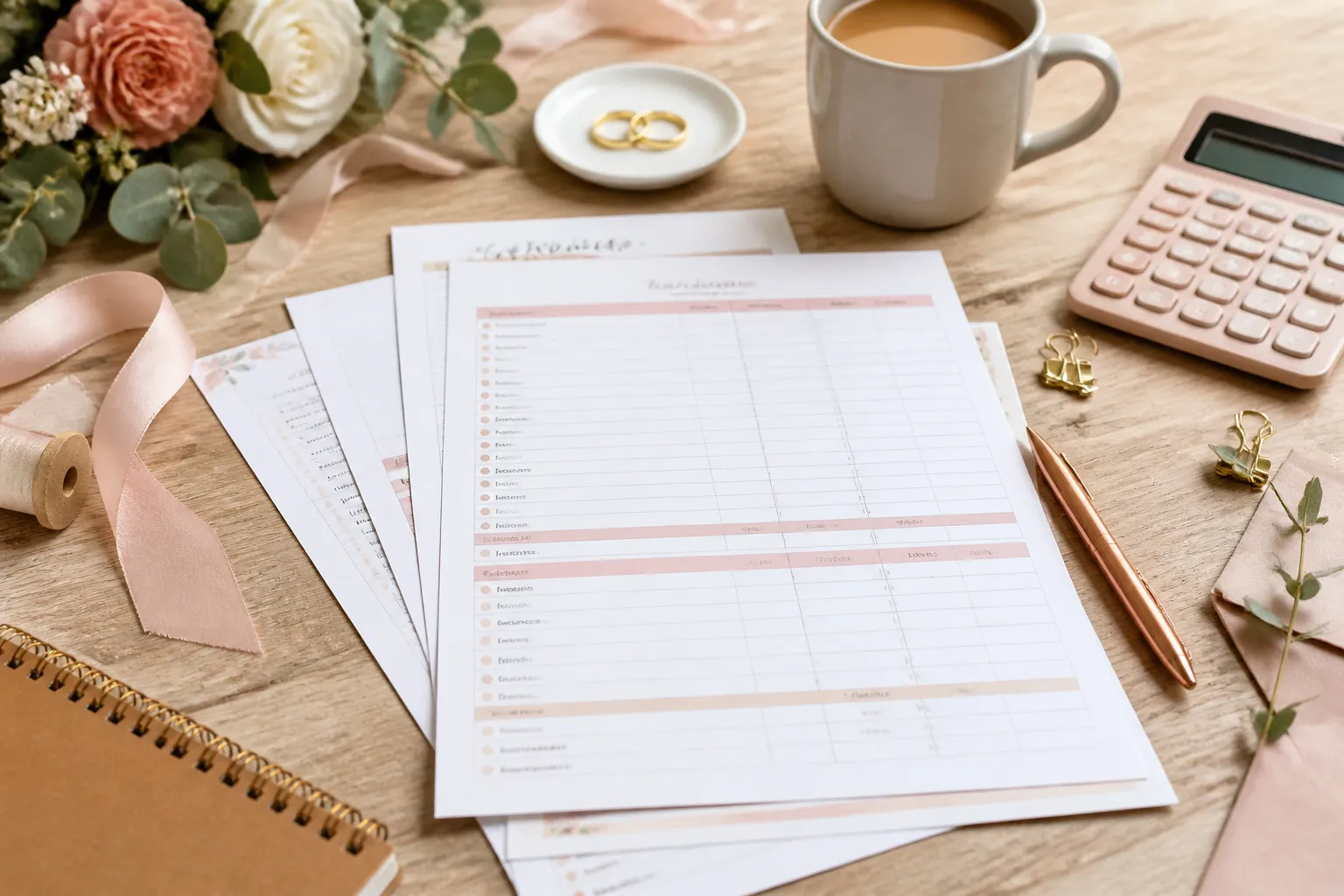
Next, provide a target budget page. The buyer can assign planned amounts to major categories such as venue, food, attire, photography, entertainment, flowers, stationery, transportation, lodging, beauty services, rentals, ceremony costs, favors, and miscellaneous purchases. The exact categories should remain editable because weddings differ by location, culture, guest count, and priorities.
A contingency line deserves its own place. Unexpected costs may include alterations, replacement items, delivery charges, overtime, gratuities, or additional printing. The planner should explain that a contingency is a reserve, not free money available for another category. If the couple uses part of it, they can record why and update the remaining balance.
Connect estimates with actual commitments
Every category should distinguish between an initial estimate, a contracted amount, a payment made, and a remaining balance. These values answer different questions. An estimate supports early planning. A contracted amount reflects an agreed price. A payment records money already transferred. The balance shows what still needs attention.
A vendor page can include the vendor name, service, contact details, quote date, contract status, due dates, payment method, cancellation notes, and final balance. A buyer may not need every field on every page, so the template should offer enough space without making the page intimidating.
The planner should also capture costs that are often overlooked. Taxes, delivery, setup, cleanup, service charges, tips, postage, alterations, and travel may not appear in an initial headline price. Add a reminder near relevant categories, while making clear that local practices and contracts vary.
Design pages for printing
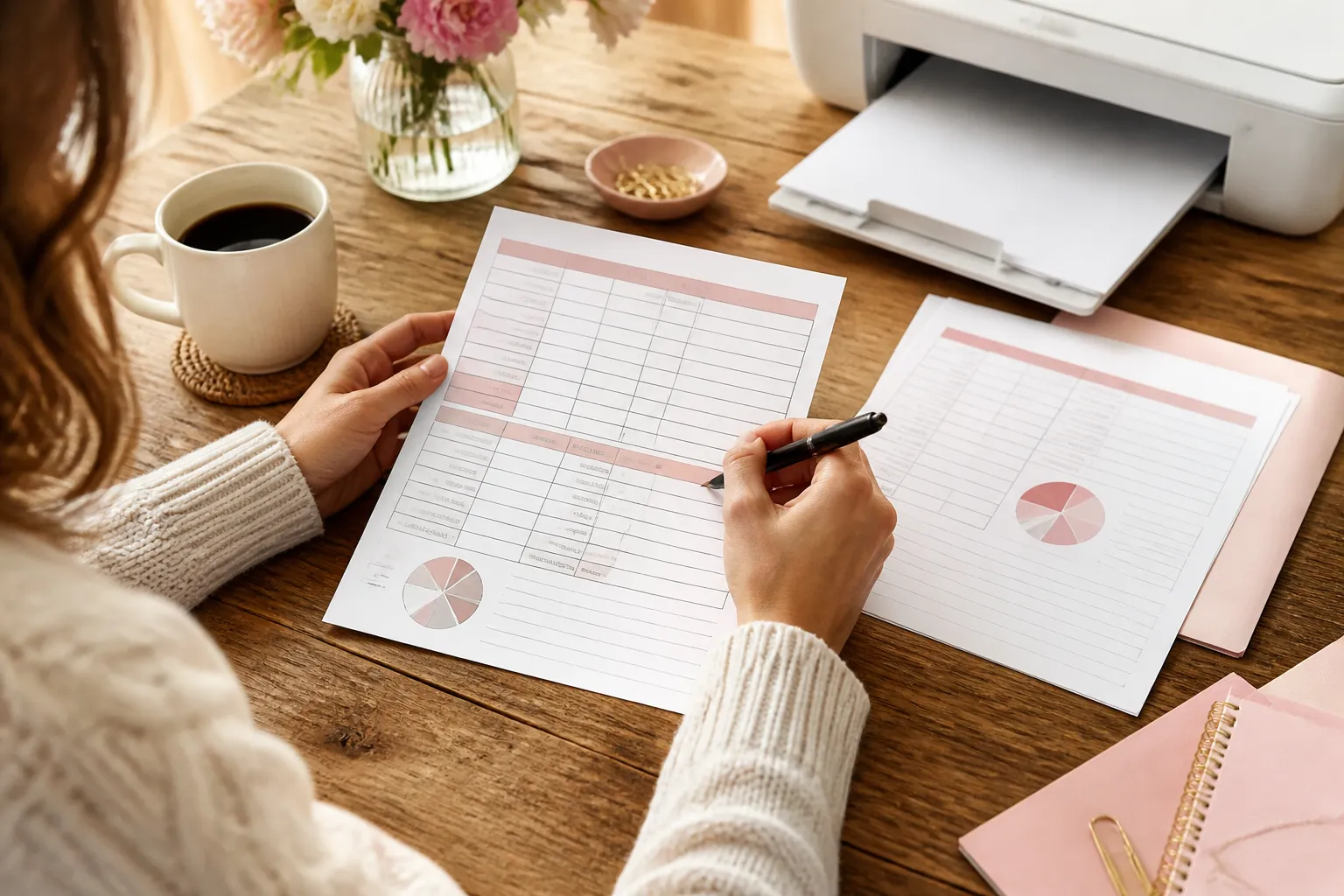
A printable product must be tested as a physical document, not only viewed on a screen. Use readable fonts, strong contrast, generous writing space, and margins that survive common home printers. Avoid pale lines that disappear in grayscale. If color is used for decoration, the information should remain understandable when printed in black and white.
Offer a standard paper size appropriate to the intended audience, and consider including another common size if production is manageable. Export a high-quality PDF and explain whether customers should print at actual size or use a particular scaling setting. A separate cover page can make the files feel organized, while functional pages should not sacrifice room for writing.
Choose Pages That Deliver Real Utility
The number of pages should support the workflow rather than create artificial bulk. A focused planner can feel more valuable than a large file filled with repeated boxes. Each page should answer a distinct question or support a distinct action.

Essential pages
A practical core set may include:
- A financial overview page for total funds, contributions, and the spending limit.
- A category worksheet for planned, estimated, paid, and remaining amounts.
- A vendor comparison page for evaluating quotes and included services.
- A payment tracker for due dates, payment methods, confirmation details, and balances.
- A receipt and expense log for purchases made outside formal vendor contracts.
- A guest-related cost worksheet for invitations, meals, rentals, and transportation.
- A final review page for reconciling the plan before the wedding.
These pages can be repeated or supplied in multiple versions. For example, a vendor comparison sheet may need several copies, while a summary page is usually used once. Tell customers how to print extra pages so they understand the product’s flexible nature.
Helpful optional pages
Optional additions can increase usefulness when they remain connected to money management. A priority worksheet can ask couples to mark categories as essential, important, or flexible. A savings timeline can help them record a target, deadline, amount saved, and shortfall. A post-wedding reconciliation page can organize final charges and document refunds or credits.
A seating chart, color palette, or generic checklist may be attractive, but unrelated extras can dilute the product’s purpose. If those pages are included, they should not crowd out the financial tools that justify the purchase. Buyers should quickly understand what makes this planner different from a general wedding organizer.
Add instructions without overwhelming the user
Short guidance is valuable. Explain what belongs in each column and give a small fictional example using rounded, clearly labeled illustrative amounts. The example should demonstrate the relationship between planned cost, paid amount, and balance without suggesting that the numbers represent a typical wedding.
Instructions should also clarify that the planner does not replace vendor contracts. Customers should read agreements, confirm due dates, and ask providers about taxes, fees, cancellation terms, and included services. This warning protects the buyer from treating a worksheet as proof of what a vendor owes.
| Element | Purpose | What to check |
|---|---|---|
| Budget overview | Sets the available spending limit | Contributions are confirmed |
| Category worksheet | Allocates funds across priorities | Reserve is not accidentally assigned twice |
| Vendor tracker | Records quotes, contracts, and balances | Fees and due dates are visible |
| Expense log | Captures smaller purchases | Receipts can be matched to entries |
| Final review | Checks remaining obligations | Unpaid charges are identified |
Make the Etsy Listing Persuasive and Accurate
The listing has to show the product’s practical value quickly. Use a direct title that identifies the printable format and the wedding budget purpose. Mention the file type, page count only when it is accurate, and any included sizes or versions. Do not imply that buyers receive a physical shipment if the item is a digital download.
Preview images should show the interior pages at readable scale. A cover alone cannot prove that the planner has usable writing space. Include a financial overview, a detailed tracker, a payment page, and an example of the print quality. Mask or replace any fictional data so buyers do not mistake it for a real customer’s information.

The description should explain what the buyer receives, how the files are used, and what the product does not include. State whether the design is editable. If it is a fixed PDF, say so plainly. If an editable version is offered, explain which software is required and whether customers need their own account or application.
Digital-download instructions should be concise. Tell buyers where to access files, how to save a backup, and how to print. Mention that home printers, paper, ink, and local printing costs are not included. Avoid promising unlimited support for every device unless the seller can realistically provide it.
Tags and wording should reflect genuine features rather than broad claims. Terms related to printable wedding organization, budget tracking, payment planning, and engagement gifts may help relevant shoppers discover the item. Do not use financial guarantees, unsupported savings claims, or wording that suggests professional financial certification.
Select a Design That Serves the Task
A wedding planner can be elegant without becoming difficult to use. Decorative scripts may suit a cover, but dense script fonts are poor choices for instructions and tables. Pair one expressive accent with a highly readable body font. Keep headings distinct, labels consistent, and field names specific.
Color choices should account for printing. A dark green, muted blue, warm neutral, or another restrained palette can create a wedding-appropriate mood, but every essential boundary should remain visible without color. Test pages on both a color printer and a grayscale printer. Check whether handwritten notes remain legible beside decorations.
Spacing affects perceived quality. Tables need enough height for handwriting, while narrow columns may force buyers to abbreviate important information. A page with fewer rows can be more useful than one packed with tiny fields. Consider whether the customer will write with a pen, pencil, or marker, and design accordingly.
Accessibility also supports a broader audience. Use clear labels, avoid conveying meaning through color alone, and maintain readable contrast. Keep instructions plain. If the planner includes symbols, pair them with words so users do not have to interpret icons while handling financial details.

Price and Package the Digital Product Carefully
Pricing should reflect the product’s usefulness, design effort, file quality, and customer support needs, but a seller should research comparable Etsy products before setting a price. Avoid copying a competitor’s price blindly. Compare what is actually included, whether files are editable, how many versions are supplied, and whether the competing item serves a different audience.
A simple package may contain one polished PDF. A larger package might include a low-ink version, a color version, multiple paper sizes, and duplicated worksheets. These additions should be meaningful. Offering many nearly identical files can confuse customers and increase support questions.
A low-ink version is especially practical for a budget planner because buyers may print many pages. It can use lighter decoration while retaining dark text and clear table borders. A color version can provide visual grouping, but the financial information should not depend on color coding.
Editable templates can command attention, yet they also create compatibility issues. Different software may display fonts, fields, and margins differently. If the product uses an editable platform, provide clear instructions and explain what the buyer must do to access it. A fixed PDF is often easier for customers who want immediate printing.
A shop may also sell coordinated pages separately, such as a vendor contact sheet or savings tracker. Keep the core planner complete enough to be useful alone. Optional additions should extend the system, not force the customer to purchase essential functions one page at a time.
Test the Product Before Publishing
Quality control is part of the product, even when the item is digital. Print every page at home or through a local service. Look for clipped borders, crowded fields, weak contrast, incorrect page breaks, and instructions that refer to missing files.
Complete the planner using a fictional scenario. Enter an estimated vendor cost, a paid deposit, a remaining balance, and a small extra charge. Check whether the totals are easy to calculate and whether the page provides enough room for real notes. Ask another person to follow the instructions without explanation; confusion reveals where wording needs improvement.
Open the final files on more than one device if possible. Check that pages appear in the intended order, file names are clear, and no draft pages remain. Confirm that links, if any, point where they should. Remove hidden personal information from document properties or sample content.
Customer questions can guide later revisions. If buyers repeatedly ask how to print, add a short printing guide. If they need more room for vendor notes, revise that page or offer a supplemental sheet. Updates should improve function rather than add decoration for its own sake.
Common Mistakes to Avoid
The first mistake is designing for appearance before deciding what the customer must accomplish. A beautiful cover cannot compensate for a payment tracker that lacks due-date space. Begin with the workflow, then style the pages.
The second mistake is treating all wedding budgets as identical. A destination celebration, courthouse ceremony, cultural event, and large formal wedding may have very different categories. Use adaptable labels, blank category rows, and notes fields rather than presenting one rigid formula.
The third mistake is ignoring irregular expenses. A couple may record major vendor contracts yet forget postage, attire alterations, marriage-license costs, delivery, or last-minute purchases. Include prompts without claiming that the list covers every possibility.
The fourth mistake is making calculations unclear. If a worksheet includes totals, label the relationship between planned, paid, and remaining values. A customer should not have to guess whether a field represents a deposit, a full contract, or an amount still due.
The fifth mistake is overstating outcomes. Words such as “guaranteed savings,” “stress-free,” or “perfect budget” create expectations the file cannot control. Persuasive selling should focus on tangible functions: organized records, visible deadlines, flexible categories, and a printable system.
The sixth mistake is hiding limitations. If the PDF is not editable, say so. If no physical item ships, say so. If the planner does not calculate totals automatically, explain that buyers will need a calculator or spreadsheet for arithmetic. Honest details reduce disappointment and build trust.
FAQ
Is a printable wedding budget planner worth selling on Etsy?
It can be worthwhile when it solves a clear planning problem and is presented professionally. Demand alone does not make a product successful. The planner needs useful pages, readable printing, accurate files, strong previews, and a listing that reaches the right buyer. Review customer questions and feedback to identify practical improvements.
What should the planner include first?
Start with the total funds page, category allocation worksheet, vendor tracker, payment schedule, expense log, and final review. Those pages support the main money workflow. Add optional pages only after the core system is easy to complete.
Should the planner use fixed categories?
Use suggested categories, but leave room for customization. Blank rows and editable labels help couples adapt the planner to their ceremony, location, guest count, and priorities. Avoid presenting category percentages as universal rules.
Is a PDF better than an editable template?
Neither format is automatically better. A PDF is usually straightforward to download and print. An editable template may support typing and customization but can require specific software and create compatibility questions. Choose the format you can explain and support accurately.
How can the listing show that the planner is useful?
Show interior pages, not only decorative covers. Include a clear overview, a detailed budget table, a payment tracker, and a realistic example with fictional information. Explain what files are included, how they are printed, and whether the buyer receives a physical product.
Should a seller include financial advice?
The planner can provide organizational guidance, but it should not present personalized financial advice or guarantees. Encourage customers to confirm contracts, fees, taxes, and legal requirements with the relevant vendors or authorities. Keep examples clearly illustrative.
What makes a wedding planner suitable as an engagement gift?
Useful presentation, immediate digital access, a polished cover, and simple instructions make the product gift-friendly. The buyer should understand what is delivered and how the recipient can use it. A gift purchaser may value convenience, while the engaged couple will judge the pages by practical value.
Conclusion
A printable wedding budget planner becomes a persuasive Etsy product when it helps couples make informed decisions in a clear sequence. Build around available funds, category priorities, vendor commitments, payment deadlines, overlooked charges, and final reconciliation. Design for handwriting and grayscale printing, explain digital delivery honestly, and test every page before publishing.
Related resource: If it fits your needs, you can explore Crafting Success with ChatGPT: Your Etsy Store Setup Guide and Checklists for more information.
The best product is not the one with the most decoration or the largest page count. It is the one a couple can open during a planning conversation, complete without confusion, and revisit when a quote or payment changes. That combination of focused structure, flexible fields, and trustworthy presentation gives the idea a sound foundation for an Etsy shop.