
Start with the right Etsy banner dimensions
Creating an Etsy shop banner in Canva is straightforward when you begin with the correct canvas size. For the large shop banner, use 1600 pixels wide by 400 pixels high. This four-to-one proportion gives your storefront a wide, polished header without stretching or cropping the design unnecessarily. If you prefer a smaller minimum layout, Etsy has historically supported a 1200 by 300 pixel large banner, but designing at 1600 by 400 generally gives you more working space and sharper results.
Etsy also offers a mini shop banner format, which is 1600 by 213 pixels. That version uses a much shorter height, so it works differently from a large banner. Before designing, decide which banner type you want on your shop. The large format creates a stronger visual introduction and leaves room for branding, while the mini format occupies less vertical space and emphasizes your listings more quickly.
The most reliable workflow is simple: confirm the banner type, create a custom Canva design using the matching pixel dimensions, keep essential content away from the edges, check the design on a smaller screen, download an appropriate file, and upload it through Etsy’s shop editing tools. Completing each checkpoint prevents the common problems of blurry text, clipped logos, and unreadable calls to action.
Choose between a large and mini shop banner
The large banner is usually the best choice when your shop depends on visual identity. It can display a logo, a short promise, product categories, seasonal color, or a distinctive photograph. Because it is taller, it gives your design room to breathe. This format is useful for handmade brands, artists, makers, and sellers whose visual story helps shoppers understand what they offer.
A mini banner is suitable when you want a quieter storefront header. Its shallow height reduces the space available for text and imagery, but it can make the page feel compact. It may fit a shop that relies primarily on product thumbnails, a simple wordmark, or a clean color field. Do not force a detailed message into this format. At 1600 by 213 pixels, small text can become difficult to read after Etsy displays the banner at different sizes.
You can create both versions in Canva and compare them before choosing. Keep the branding consistent, but adjust the composition rather than merely shrinking the large design. A layout that looks balanced in a tall canvas may appear crowded when compressed into a narrow strip.
Etsy may update display requirements or presentation options, so review the current instructions in your shop settings before publishing. The dimensions above are practical starting points, not a reason to ignore the platform’s latest upload guidance.
Create a custom Canva design
Open Canva and sign in. From the home screen, choose the option to create a design, then select Custom size. Set the unit to pixels. Enter 1600 for width and 400 for height if you are making a large banner. Enter 1600 by 213 for a mini banner. Give the file a descriptive name, such as “Etsy large banner,” so you can locate the correct version later.
Do not begin with a generic social media template unless its dimensions exactly match your selected Etsy format. Templates designed for other platforms often use different proportions, and resizing them can move text, crop photographs, or leave awkward empty areas. A blank custom canvas gives you control over every important element.
After the design opens, zoom out enough to see the whole artboard. Then identify a central visual zone where the primary message will sit. The canvas is wide, but the banner may not appear at its full design size on every device. Designing with a smaller preview in mind helps you notice problems early.
Establish a safe area
Although the full canvas is 1600 pixels wide, avoid placing essential information directly against any edge. Leave generous breathing room on the left and right, and keep text away from the top and bottom boundaries. Etsy’s presentation can vary depending on screen width, browser scaling, and responsive layout. A logo positioned at the extreme edge may feel cramped or become less visible in a different view.
A useful practical checkpoint is to draw an imaginary inner rectangle. Keep the logo, headline, and critical details inside that area, while allowing background colors, textures, and photographs to extend to the edges. The exact safe margin does not need to be mathematically fixed; the purpose is to protect important content from visual crowding and possible cropping.
For a large banner, begin with roughly 100 to 150 pixels of side padding and about 50 pixels of vertical padding. Treat those figures as design guidance rather than Etsy rules. If your background contains a face, product, or decorative object, position it so the main subject remains clear even when the outer edges receive less attention.
Build a clear visual hierarchy
A banner should identify your shop quickly, not compete with the listings below it. Start with one primary element, usually the shop name or logo. Add a secondary message only if it communicates something useful, such as the product category, material, or distinctive benefit. Too many competing statements make the header harder to scan.
Use size, contrast, spacing, and position to show viewers where to look first. A large shop name can anchor the composition. A smaller supporting phrase can sit beneath it or beside it. Avoid making every word bold, oversized, or brightly colored. When everything demands attention, nothing has clear priority.
Choose one or two typefaces. A display font can express personality, while a simpler font can improve readability for supporting information. Check lowercase letters, punctuation, and numerals before committing. Decorative fonts may look attractive in Canva’s editor but become unclear when exported and displayed on a phone.
Color contrast matters more than color variety. Dark text on a pale background or light text on a dark background is usually easier to read. If you place text over an image, add a translucent shape, subtle overlay, or solid panel behind it. Then zoom out and ask whether the message remains legible without effort.
Write a focused message
The banner does not need to repeat your shop announcement, policies, and product descriptions. Use it to answer a quick question: what does this shop offer, and what should the shopper remember? “Hand-painted botanical prints” is more informative than a vague phrase such as “Made with love.”
Keep the wording brief. A shop name, short descriptor, and occasional seasonal note are often enough. If you include a promotion, make sure the information will remain accurate for the entire period the banner is displayed. Outdated sale language can damage trust and create extra maintenance.
Do not rely on tiny text for shipping promises, return conditions, or other details that belong in Etsy’s designated sections. The banner is a branding tool, not a substitute for clear shop policies. Let it support the buying experience without carrying information that shoppers need to verify elsewhere.
Add images and background elements in Canva
Canva lets you upload photographs, logos, illustrations, and other brand assets. Use a high-quality source image, but avoid placing a detailed photograph beneath a long paragraph. A banner is extremely wide, so a portrait-oriented image may need careful cropping or a supporting color block.
To upload an asset, open Uploads, select the file, and place it on the canvas. Use the crop controls to choose the important part of the image. If you need a full-bleed background, enlarge the image until it covers the entire artboard. Check the edges afterward, because automatic enlargement can remove important subjects.
A logo with a transparent background is often more flexible than a logo saved with a white rectangle. If your file has a solid background, match that background to the banner or place the logo inside a deliberate shape so it looks intentional. Do not enlarge a small, blurry logo simply to fill space. Recreate it with clean text or obtain a higher-resolution file when possible.
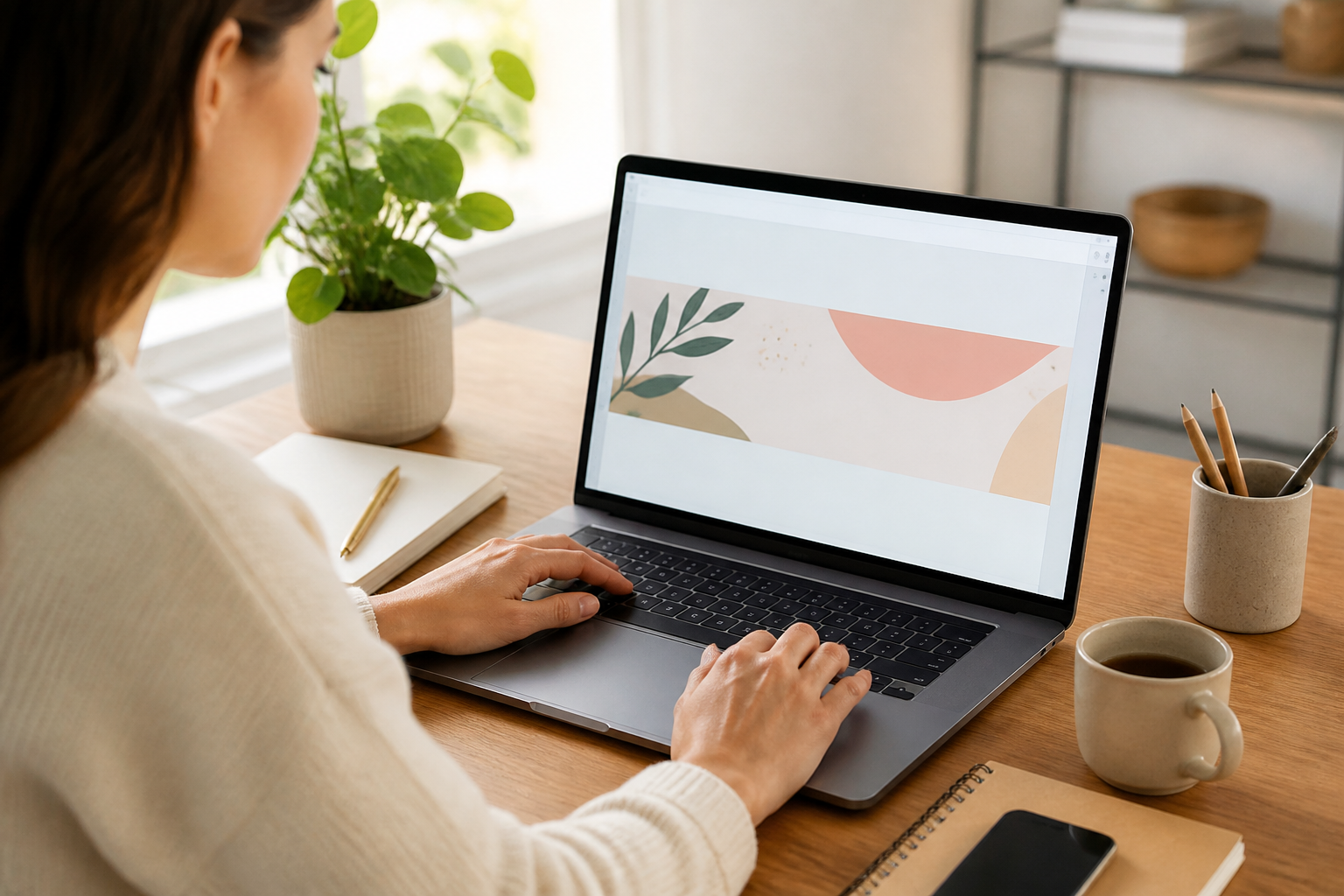
Keep decorative elements subordinate to your message. Lines, leaves, dots, gradients, and abstract shapes can frame the content, but they should not make the banner look busy. Align elements using Canva’s guides and position tools. Consistent alignment creates a professional appearance even when the design is simple.
Use Canva tools for consistency
Canva’s rulers, guides, grids, and position controls help you maintain order. Turn on rulers or use the editor’s alignment indicators to check whether text and graphics share a common edge. Centering can work well for a logo-focused banner, while an asymmetrical layout may create more energy when a product photograph occupies one side.
Use grouped elements when a logo and tagline belong together. Grouping lets you move them without losing their relationship. Lock a background layer after you finish positioning it, which reduces the chance of accidentally shifting it while editing foreground content.
Duplicate the page before experimenting with major changes. One version can use a photograph, another can use a flat background, and a third can test a seasonal accent. Comparing alternatives is more reliable than repeatedly modifying one design until you no longer remember what worked.
Check the banner at 100 percent zoom and at a reduced preview. At full size, inspect edges, alignment, and image quality. At reduced size, inspect recognition and readability. Both views reveal different problems. A design can be technically sharp yet visually confusing when reduced.
Test accessibility and readability
Good contrast helps many shoppers, including people viewing the screen in bright light or with reduced visual clarity. Avoid placing pale text over a busy light photograph. If you cannot read the phrase immediately, change the background or text treatment rather than expecting shoppers to concentrate harder.
Do not communicate meaning through color alone. If a seasonal collection is marked only by a particular hue, some viewers may miss the distinction. Use wording, spacing, or imagery as additional signals. Maintain sufficient contrast between neighboring shapes so the design remains understandable.
Read the banner aloud before publishing. This catches unnecessary wording and awkward phrases. Then ask someone who has not seen the design to identify the shop and product category after a brief glance. Their answer can reveal whether the visual hierarchy works.
Export the design correctly
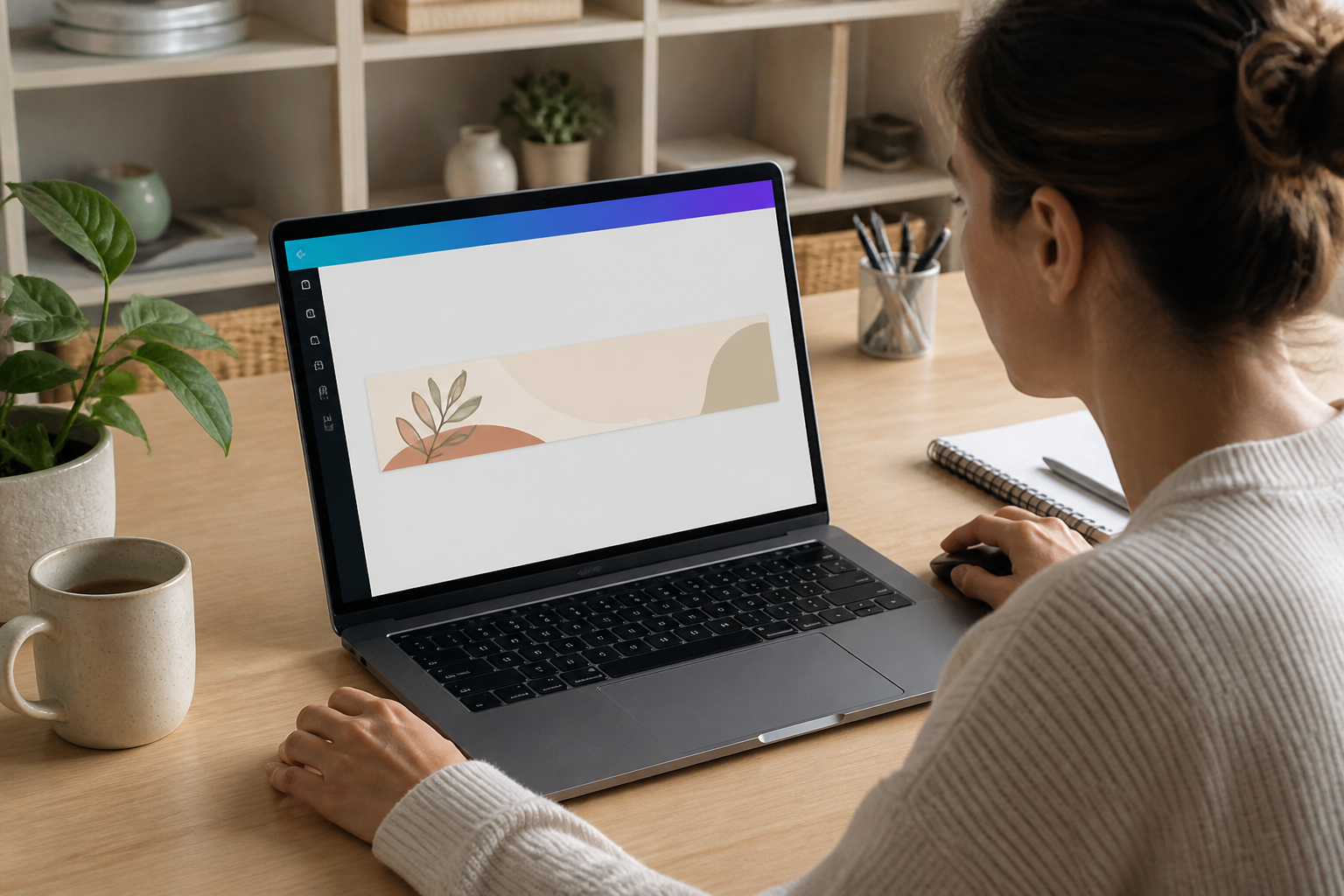
When your Canva design is complete, select Share, then Download. PNG is a strong choice for logos, text, illustrations, and designs with sharp edges. JPG can produce a smaller file and may work well for a photographic banner. Choose the format that preserves the visual character of your design without creating an unnecessarily large upload.
Avoid downloading a screenshot of the Canva editor. Screenshots can include interface elements, incorrect proportions, or reduced quality. Export the finished design from Canva using the custom canvas you created.
Before downloading, inspect the dimensions shown in Canva’s export process when available. Confirm that the design remains 1600 by 400 for a large banner or 1600 by 213 for a mini banner. If you use a resizing feature, check that the proportions remain correct. Changing width and height independently can stretch the artwork.
Open the exported file outside Canva. Look for missing fonts, unexpected transparency, jagged edges, strange color shifts, and clipped objects. This is an observable checkpoint: the downloaded file should display the same composition as the Canva artboard. If it does not, return to Canva, correct the problem, and export again.
If Etsy rejects the file, review its current upload requirements, including accepted file types and size limits. Do not repeatedly compress the image without checking what caused the rejection. Excessive compression can create fuzzy text while leaving the underlying dimension issue unresolved.
Upload and review your Etsy banner
Sign in to Etsy and open Shop Manager. Navigate to the area for editing your shop appearance or storefront. Choose the banner option, upload the prepared file, and save the changes. Etsy’s labels and navigation may change, so follow the current controls shown in your account.
After saving, view the public shop page rather than relying only on the editor preview. Check the banner on a wide screen and a narrow screen if possible. Confirm that the shop name is visible, the main image remains recognizable, and no important words sit too close to the edges.
Review the banner alongside your current listings. The header should complement product photography rather than introduce a completely unrelated color scheme. It does not need to match every listing perfectly, but repeated colors, textures, or typography can make the storefront feel coordinated.
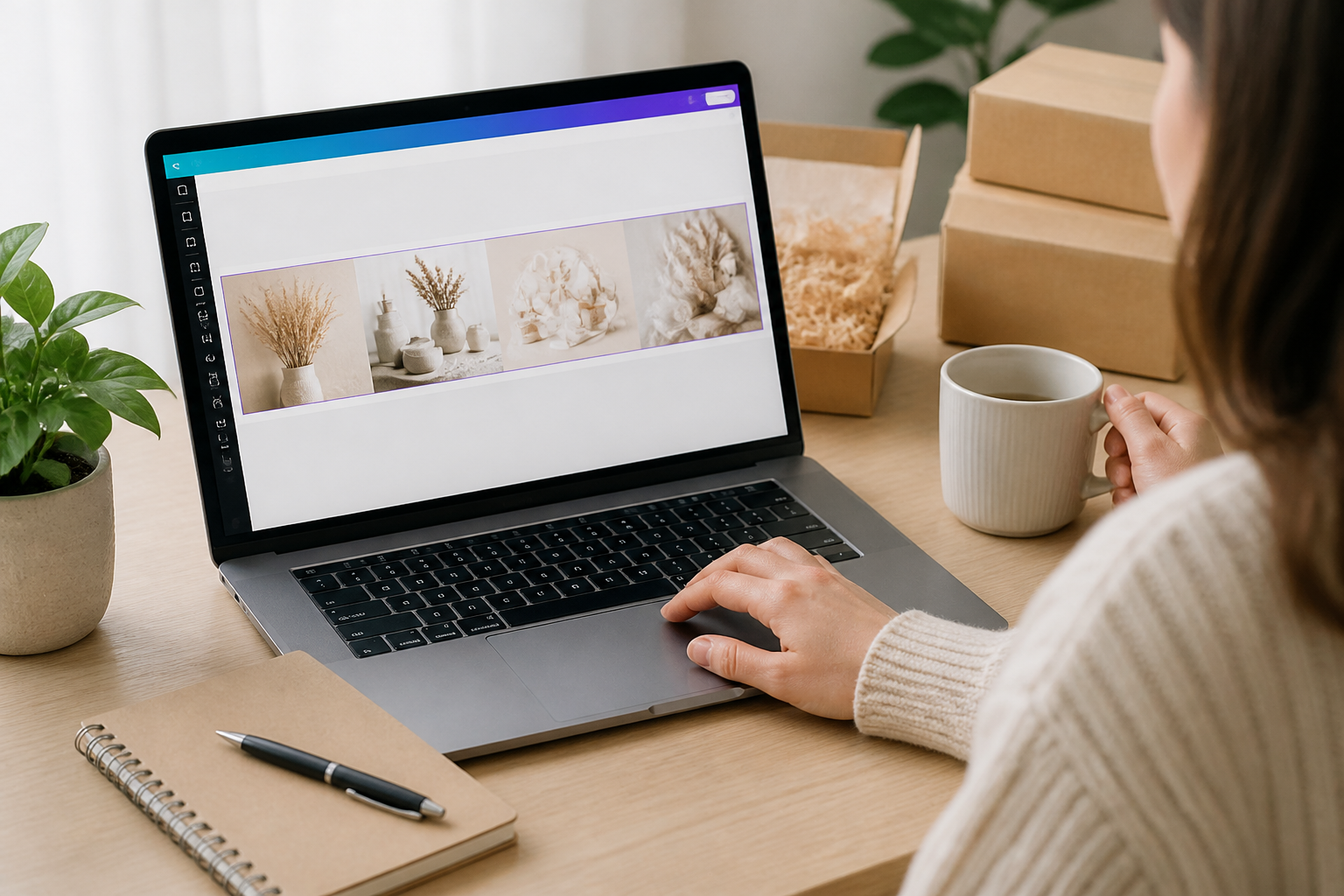
Ask yourself three practical questions. Can a new visitor identify what you sell? Can the visitor read the main message without zooming? Does the banner make the shop look trustworthy and current? If any answer is no, revise the design instead of settling for technical correctness.
Common mistakes and useful adjustments
One frequent mistake is using the wrong Etsy canvas size. A standard YouTube, Facebook, or Pinterest template may look polished but still crop badly on Etsy. The adjustment is to create a new custom canvas with pixel dimensions intended for the Etsy banner type.
Another problem is placing text at the far edge. The adjustment is simple: move essential content inward and let only background elements reach the boundary. If the design then feels empty, enlarge the headline slightly, add a supporting shape, or reposition the background rather than pushing the text outward again.
Low contrast is also common. Changing the font alone may not solve it. Add a darker or lighter overlay behind the text, simplify the photograph, or move the wording into a plain area. A readable message is more valuable than a complex background.
Overcrowding often results from treating the banner like a flyer. Remove secondary claims, extra icons, and unnecessary contact details. Keep the strongest idea and let the shop announcement, listing titles, and profile sections provide additional information.
Blurry exports usually come from a low-quality source image, an enlarged small logo, or a screenshot. Replace the source, export directly from Canva, and inspect the final file before uploading. If an image is inherently low resolution, use it as a small accent rather than a full-width background.
Inconsistent branding can make a shop appear unfinished. Choose a limited palette, repeat one or two typefaces, and use similar photographic treatment across the banner and listings. Consistency does not require every element to be identical; it requires the parts to feel related.
FAQ
What size should an Etsy shop banner be in Canva?
For a large Etsy shop banner, create a Canva design measuring 1600 pixels wide by 400 pixels high. For a mini banner, use 1600 by 213 pixels. Confirm Etsy’s current specifications before uploading because platform guidance can change.
Should I use a large or mini banner?
Choose a large banner when your brand benefits from a stronger visual introduction, a logo, or a short descriptive message. Choose a mini banner when you prefer a compact header and want listings to appear higher on the page. Design separately for each format instead of simply squeezing one layout into the other.
Is PNG or JPG better for an Etsy banner?
PNG is usually useful for text, logos, and illustrations because it preserves crisp edges. JPG may be suitable for photographic designs and can produce a smaller file. Examine the exported file before uploading, and follow Etsy’s current supported-format requirements.
How much space should I leave around text?
Keep essential content comfortably inside the edges. As a starting point, consider about 100 to 150 pixels of side padding and approximately 50 pixels of vertical padding on a large banner. These are design suggestions, not guaranteed platform-safe measurements.
Why does my Etsy banner look cropped?
Cropping can result from using the wrong dimensions, positioning important content too near an edge, or viewing the shop at a different screen width. Recheck the canvas ratio, move vital elements inward, and review the public page on both wide and narrow displays.
Can I use a Canva template?
You can use a template if you resize or recreate it on a custom Etsy canvas and then inspect every element. A template made for another platform may have unsuitable proportions. Starting with a blank canvas often gives better control.
Should I include a call to action?
Include one only when it is genuinely useful and remains accurate. A brief phrase such as “Explore the spring collection” may support a timely campaign, but permanent shop branding is often more dependable. Avoid putting detailed policies or changing information in the banner.
How often should I update the banner?
Update it when your brand, product focus, or seasonal message changes. A stable banner can remain useful for a long time if it accurately represents the shop. Before every update, check that the new wording, imagery, and promotion are still correct.
Conclusion
A successful Etsy shop banner begins with correct dimensions, but good results depend on more than entering numbers into Canva. Choose the large 1600 by 400 pixel format or the mini 1600 by 213 format according to the role you want the header to play. Build the design on a custom pixel canvas, protect the edges, establish a clear hierarchy, and keep the message brief.
Use sharp assets, readable contrast, restrained decoration, and consistent branding. Export the finished design directly from Canva, inspect the file, upload it through Etsy, and review the public storefront on different screen sizes. If text is clipped, imagery is blurry, or the message is difficult to understand, revise the source design rather than accepting a weak result.
The best banner does not attempt to say everything. It quickly communicates who you are, what you sell, and what visual experience shoppers can expect. With a correctly sized Canva canvas and a deliberate review process, you can create a polished header that supports your listings and gives your Etsy shop a more coherent, trustworthy presence.